When trading, many judgments need to be completed before the market moves.
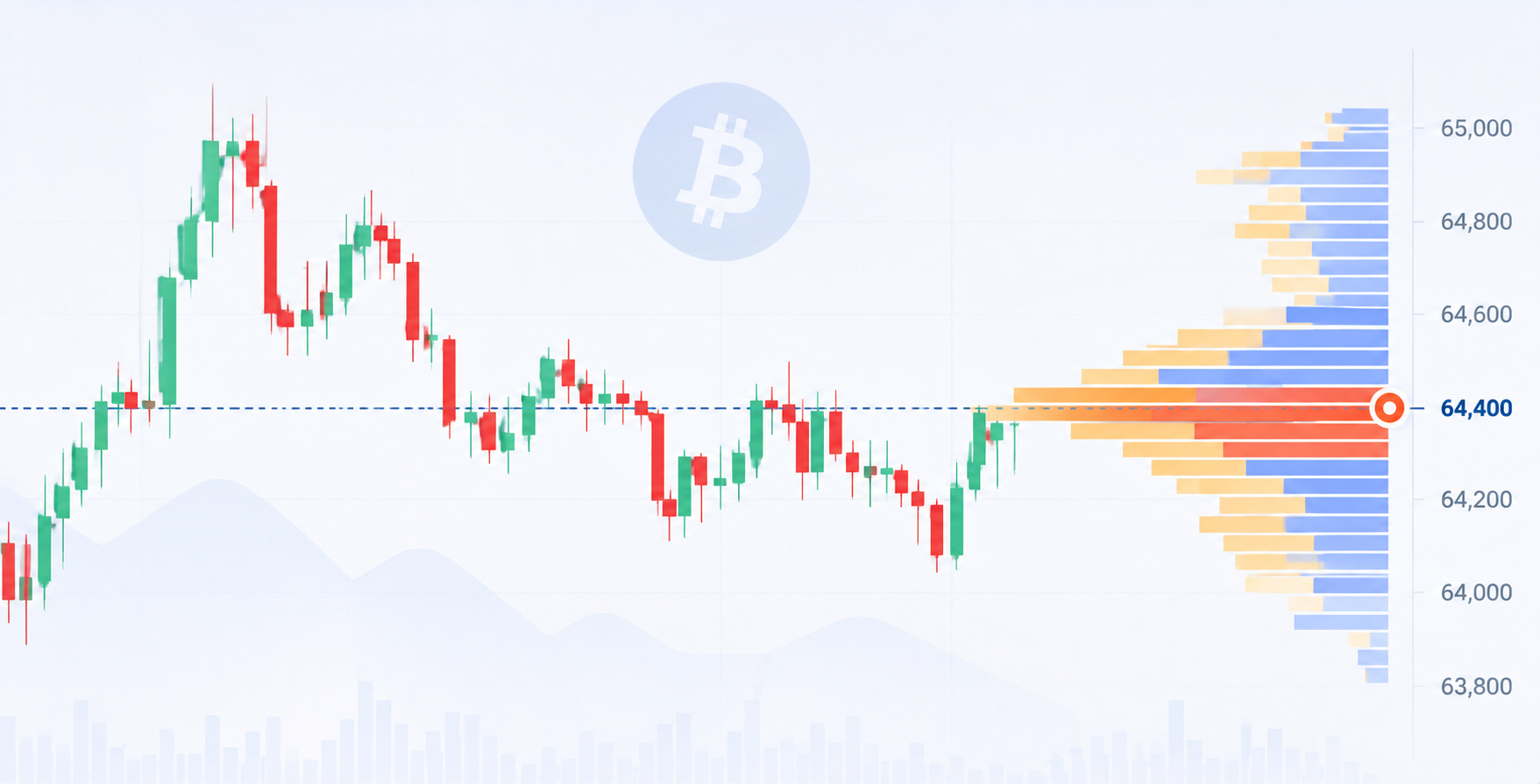
After the market ends, looking back, where is suitable to enter, where should take profit, and where to cut losses is often very clear. But when facing real-time candlestick charts, users need to judge trends, choose positions, and control positions with limited information. To enhance market feeling, simply watching historical trends is not enough; it requires repeated training in an environment close to real trading.
The AiCoin candlestick replay training feature can bring historical market activity back to the market rhythm at that time. Users can select a segment of historical candlesticks as a training starting point, replay the market step by step while hiding subsequent trends, and verify their judgments through simulated trades.
▌How to Start Candlestick Replay Training?
Open the AiCoin PC candlestick page, right-click in the chart area, find [Replay Training], and you can enter candlestick replay mode.
After entering replay training, the page will display the historical candlestick area. Users can drag and choose the desired training starting point to observe the market again from a specific time.
After selecting the replay starting point, click the play button in the replay panel on the right, and the system will begin to replay the subsequent historical candlesticks. Users can observe how the price changes step by step, just like watching real-time market conditions.
If you want to reselect the training time, you can also click the return button to readjust the replay starting point. The playback speed can also be adjusted; users can choose a suitable rhythm according to their observation habits.
▌Watch Candlesticks While Simulating Trades
The focus of replay training is to allow users to make judgments without seeing subsequent market conditions.
When the price reaches a key position, you can click [Buy] or [Sell] according to your trading plan to complete a simulated trade. The order area supports shortcut operations, allowing users to quickly execute judgments during the candlestick progression.
Each simulated trade will display the results on the right panel, including return curve, total return rate, win rate, and specific transaction records. Users can view their performance while training and determine whether this trade meets expectations.
▌Buy and Sell Points and Position Lines Help Review the Trading Process
After completing the simulated trade, the candlestick will mark the corresponding buy and sell points. Users can directly see where they bought and sold, and can also judge whether the operation is reasonable based on subsequent trends.
The position line will show the profit and loss changes of the current position, making it easy for users to observe floating profits and losses during the holding process. When price volatility is large, this line can help users review whether they exited too early or if they failed to manage risks in a timely manner.
Clicking on the buy and sell points allows you to view the holding process and trading details. The position line supports one-click closing, suitable for users to quickly complete trading operations during market progression.
After the replay ends, the page will display the complete trading record and profit curve. Users can review their judgment process in conjunction with candlestick trends, indicator changes, and each trading record.
▌Turn Every Training Session into Trading Experience
Candlestick replay training is suitable for market feeling training, strategy validation, and trading summarization.
New users can familiarize themselves with common scenarios such as trends, support and resistance, breakout pullbacks, etc.; experienced users can use it to test their trading strategies, observing whether indicator signals and trading plans are stable in different market phases.
Every replay is an opportunity to face the market again. Open the AiCoin PC candlestick, select [Replay Training], and start deducing from a segment of historical market activity, turning past trends into your trading training material.
免责声明:本文章仅代表作者个人观点,不代表本平台的立场和观点。本文章仅供信息分享,不构成对任何人的任何投资建议。用户与作者之间的任何争议,与本平台无关。如网页中刊载的文章或图片涉及侵权,请提供相关的权利证明和身份证明发送邮件到support@aicoin.com,本平台相关工作人员将会进行核查。